
"Tutorial: a made-to-order product buyers customise"
A full worked example of the options builder — a custom cake with a base price plus choices (size, flavour, fillings, a photo upload and a message) that stack up the price, lead-time estimates, conditional choices, and holding the buyer's card until you approve. The buyer builds the price themselves.
A made-to-order (customisable) product lets the buyer build their own version — pick a size, choose options, upload a photo, add a message — and the price is worked out from a base price plus what they choose. Our example: a bakery's Custom celebration cake.
Before you start
Customisable products are a beta feature. Turn it on once under Beta features (Account → Beta features). After that, the item editor shows a Product type toggle.
1. Switch the item to Customizable
Create or edit the item, then in Pricing set Product type to Customizable. The simple price box is replaced by:
- Base price — the starting price before any options. Set ours to
30.00. - Lead time — flip the switch On, choose Days, and set a base lead
time of
3. Buyers see "In 3 days" while they configure (each option can add more).
2. Add your first option — Size
Click Add option and fill in the card:
- Name:
Size - Kind:
Choice (pick one) - Required: ticked
Then add a choice per size. Each choice has a label, a +£ price delta (what it adds to the base), an optional image, and an optional lead time:
| Choice label | +£ | Note |
|---|---|---|
Small (6") |
0.00 |
included in the base |
Medium (8") |
5.00 |
|
Large (10") |
10.00 |
Add a photo to a choice with Add image if it helps the buyer picture it.
3. Add a Flavour option
Click Add option again:
- Name:
Flavour· Kind:Choice (pick one)· Required: ticked - Choices:
Vanilla(+£0),Chocolate(+£0),Red velvet(+£3.00)
4. Let buyers pick more than one — Fillings
For options where the buyer can pick several, use Multiple choice:
- Name:
Fillings· Kind:Multiple choice· Required: ticked - Set Min select
1and Max select2(pick one or two). - Choices:
Buttercream(+£0),Jam(+£1.00),Salted caramel(+£2.00)
5. Add a photo upload and a message
Two more option kinds cover personalised extras:
- Name:
Photo topper· Kind:Image upload· set +£6.00, and optionally Min/Max images and a minimum width/height so you get a usable file. - Name:
Message on the cake· Kind:Text· leave +£ at0.00, add help text likeUp to 30 characters.
The other kinds — Number and Date — work the same way (a flat +£ and optional lead time), handy for "How many candles?" or "Date needed".
6. (Optional) Conditional choices
A choice can appear only when an earlier one is picked. On a choice, use
Depends on at the option level and the Available when: pills on the choice
to limit it — e.g. make a Gluten-free sponge filling available only when the
Flavour is Vanilla. Leave the pills empty and a choice is always available.
7. Hold the card until you approve
Bespoke work shouldn't be charged before you've confirmed you can make it. Tick
Needs approval before charging — the buyer's card is held and only charged
once you approve the order. Set Fulfilment to Pickup only (or whatever
fits), then set Listing status to Active and Save. Use Save &
preview to try the configurator yourself.
What the buyer sees
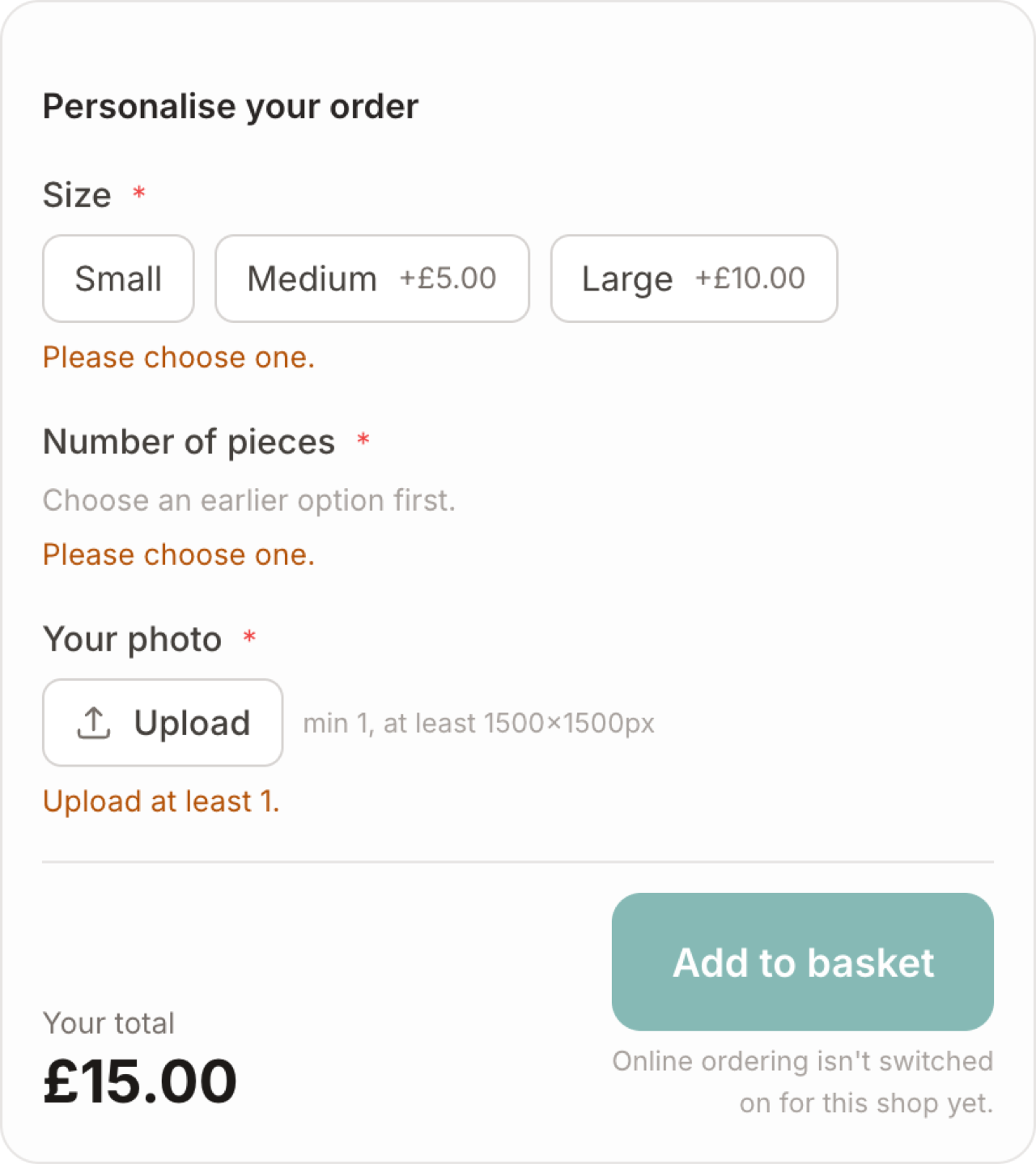
The card shows From £30.00. On the item page they tap Configure and work through your options. The price updates live as they choose — base £30, +£5 for Medium, +£2 for salted caramel, +£6 for a photo topper — and the lead-time estimate adds up too. When they check out, the order arrives for you to approve or decline before any money moves.
Tiers vs made-to-order: if you only offer fixed sizes at set prices, price tiers are simpler. Reach for made-to-order when choices stack — options that each add to the price, an upload or a message.