
Your storefront link & standalone mode
Find and share your shop's web address, and optionally present it as a standalone, debranded site to outside visitors.
Your storefront link
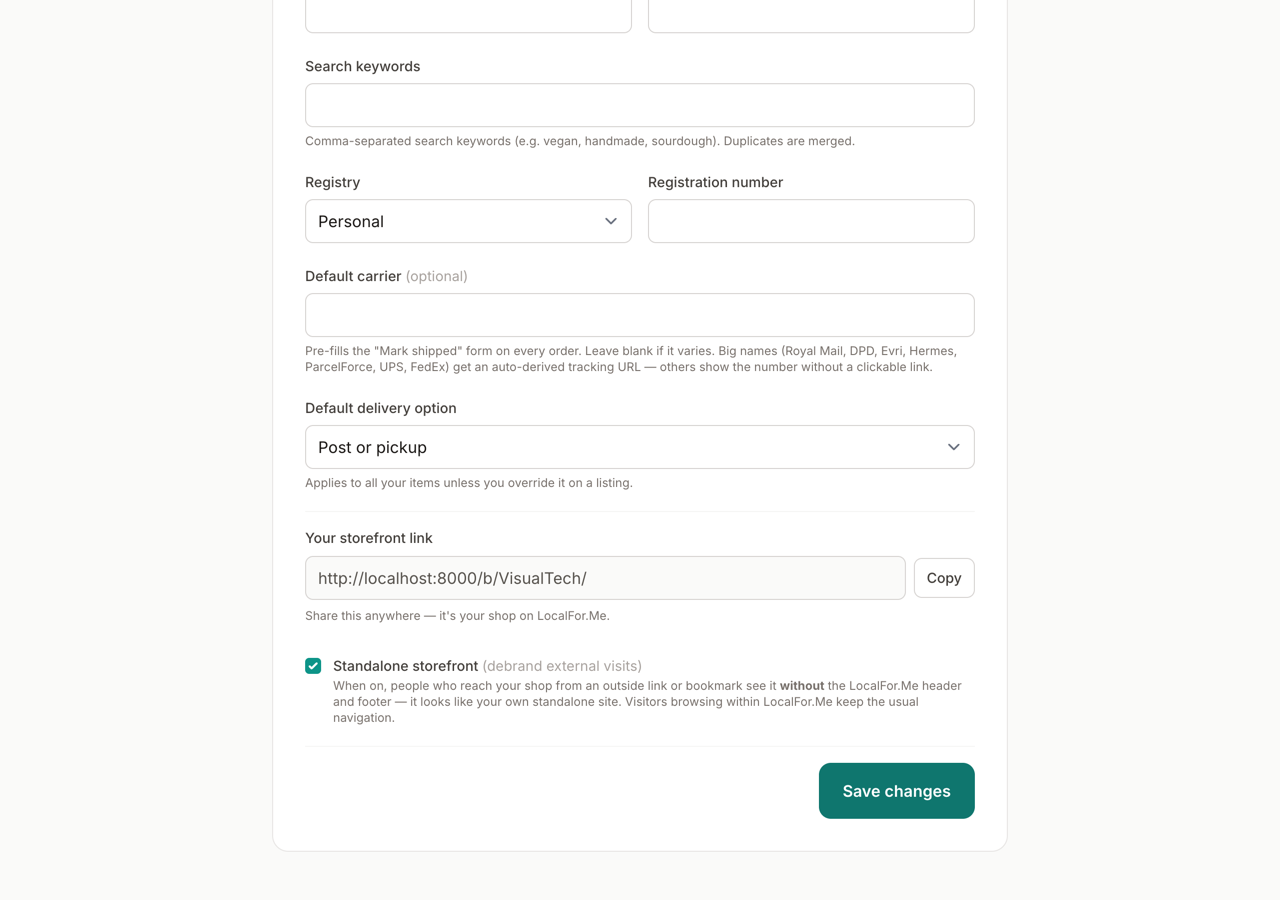
Every approved shop has its own public web address on LocalFor.Me — perfect for sharing on your website, social profiles, business cards or a Google listing.
- Go to Manage → Edit listing → Basics.
- Find Your storefront link and click Copy.
- Paste it anywhere you like — it always points at your shop.
Standalone mode (debrand external visits)
Want your shop to feel like your own website rather than a page on LocalFor.Me? Tick Standalone storefront.
When it's on:
- Visitors who arrive from an outside link (or a direct/bookmarked visit) see your shop without the LocalFor.Me header and footer — it looks like a standalone site.
- Visitors browsing within LocalFor.Me still get the usual navigation, so they can get back to the directory.
- You and your team always see the full editor and navigation.
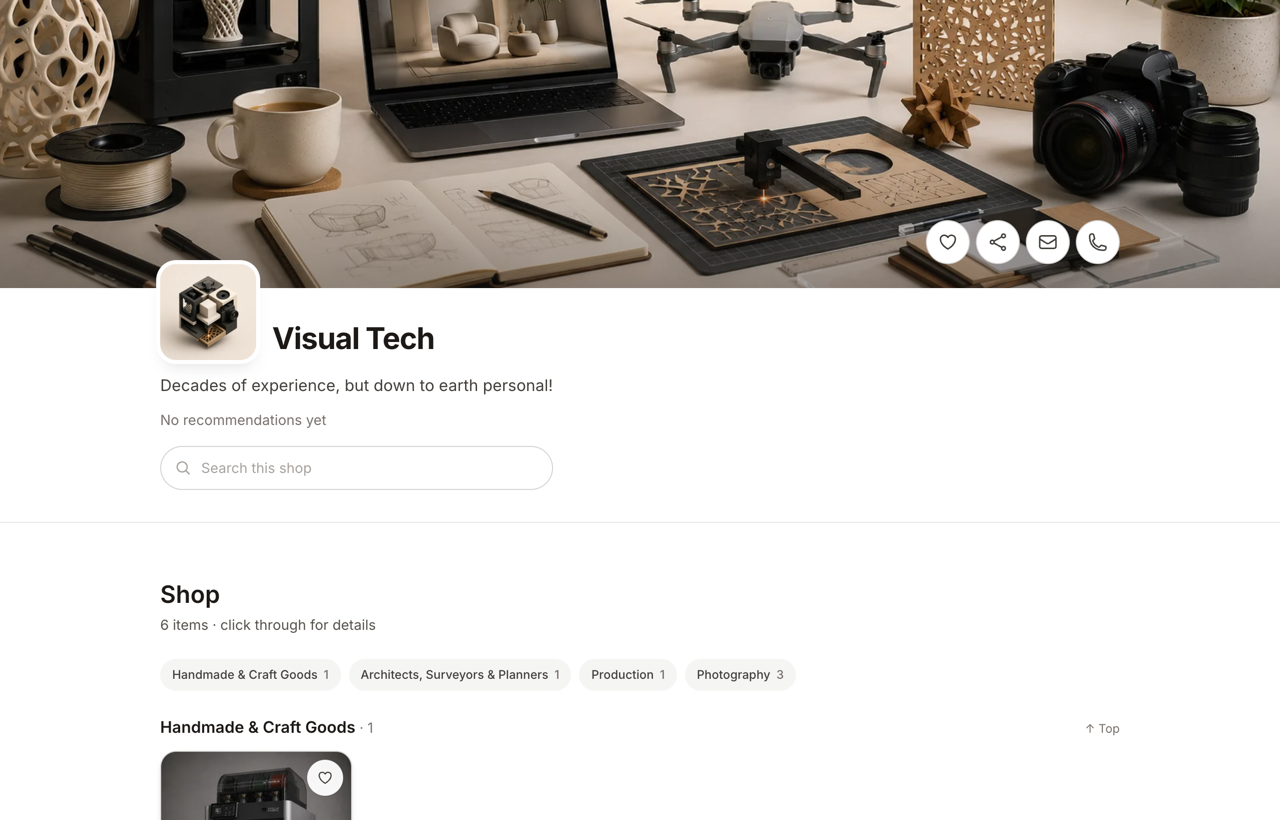
Tip: it sticks for the visitor's whole session, so once someone lands on your shop from outside, following your shop's own links keeps the clean, debranded look — no flicker back to LocalFor.Me branding.
Turn it off any time to go back to the standard branded storefront.